
Family tree diagrams for professional advisers.
FamilyGram helps advisers manage family groups, record the relationships that matter, and create consistent family tree diagrams for advice, planning and client conversations.
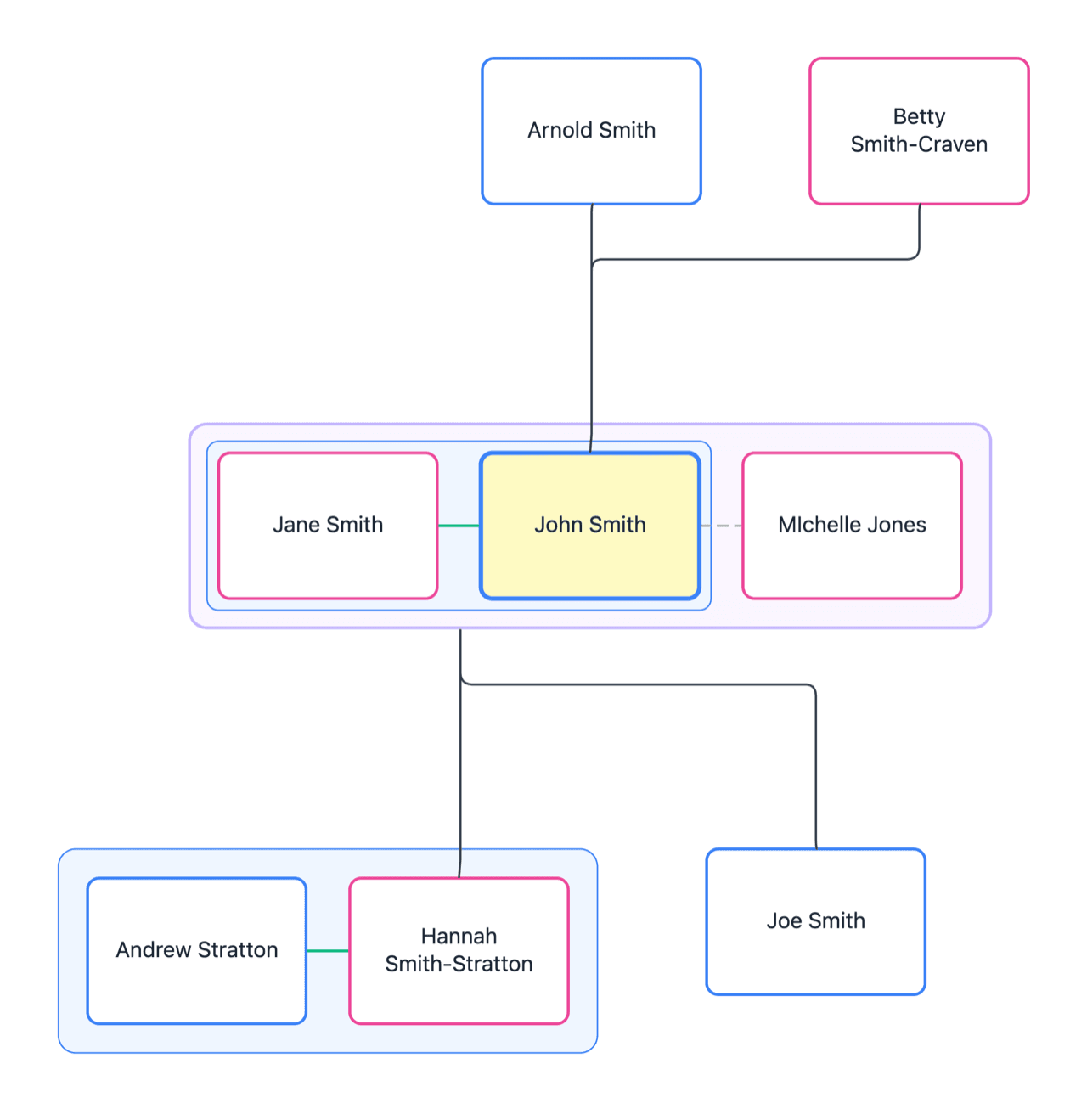
Family context is easy to lose.
Hand-drawn charts go stale
A family tree drawn for one meeting is out of date by the next, and rebuilding it by hand takes time the file does not have.
The detail lives in file notes
Parents, partners and children are recorded across notes and emails, so the picture has to be pieced together again every time.
Every adviser draws it differently
Without one format across the practice, each diagram looks different — and clients notice.
From client record to family tree
FamilyGram keeps the family information and the diagram connected, so an update is made once and reflected wherever the family is shown.
- Step 1
Create a client family group
Keep each family in its own secure workspace, ready for your professional team to maintain.
- Step 2
Record people and relationships
Capture the family detail behind the diagram, including parents, partners, children and supporting files.
- Step 3
Generate the family tree
Choose the family members to include and FamilyGram lays out a clear diagram automatically.
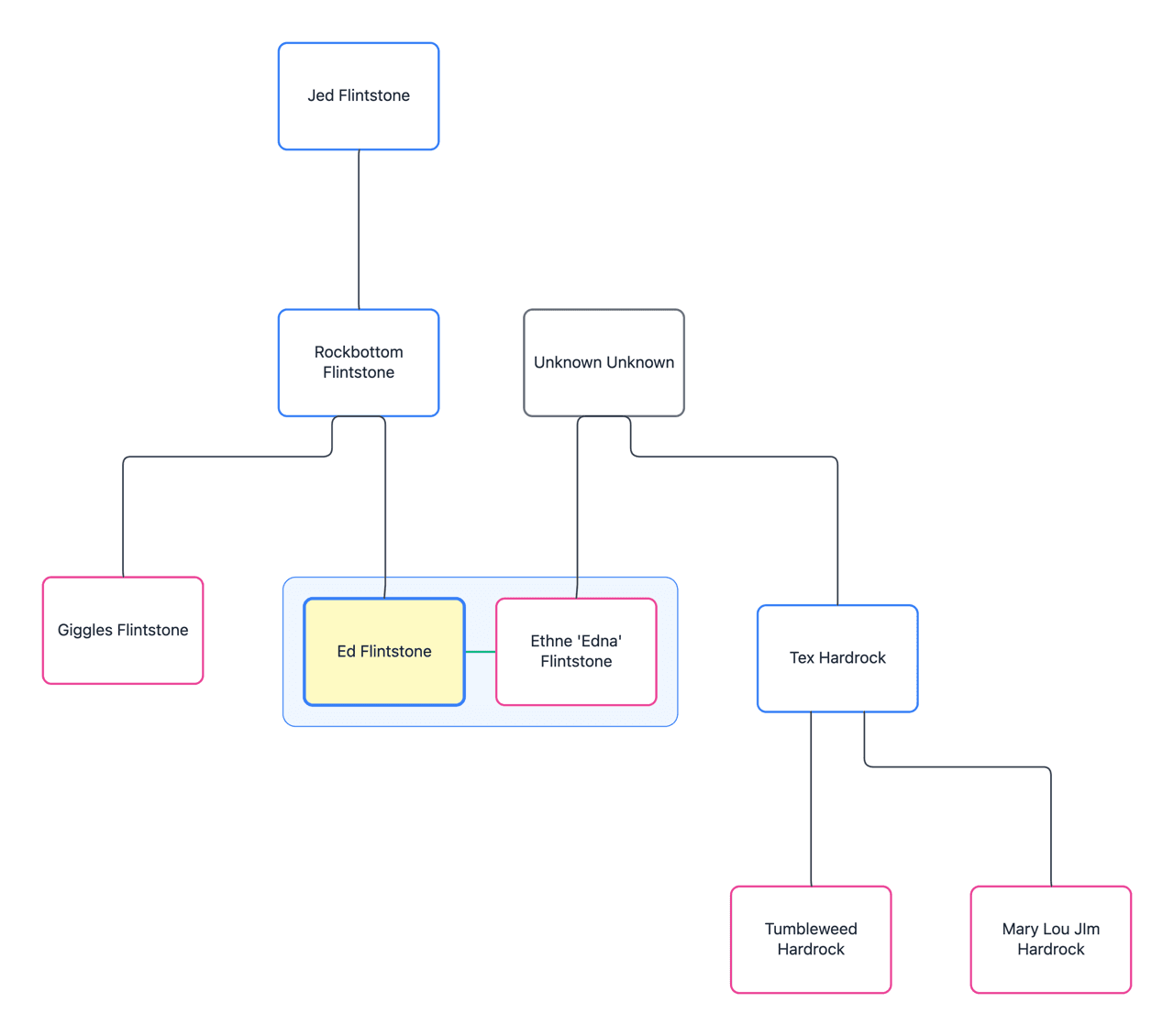
The family context your advice depends on
FamilyGram gives advisers a focused place to maintain family information, without the overhead of a genealogy platform or the fragility of hand-drawn diagrams.
- A client family record: people, relationships and saved documents together
- Automatic family tree layout, without rebuilding charts by hand
- Clear PDF and PNG exports for advice files, estate planning and client meetings
- Unlimited users, so the whole practice works from the same record

Built for professional work
One source of truth
Maintain the family record behind the diagram, and update it once.
Consistent across the practice
Give every adviser the same clear visual language.
Ready for the meeting
Open, update and export without rebuilding the chart.
Safe and secure.
Family records hold sensitive personal information, and we take the responsibility of safeguarding your data seriously. You can learn more about FamilyGram’s security practices here.
- ISO 27001 certified
- Fully APP compliant
- Hosted in Australia
- Admin controls
- 2FA enabled
- Security best practices
Start free, then grow with your client book.
All plans include unlimited users. Capacity is based on family groups.
Make the next family conversation clearer.
Book a demo to see how FamilyGram keeps your client families clear and current.
Common questions
Who is FamilyGram built for?
Professional advisers who need to understand a client’s family and explain it clearly — for advice, estate planning and client conversations.
How is FamilyGram different from genealogy software?
FamilyGram is not a genealogy platform. It is a focused place to maintain the family information your advice depends on, and to present it as a clear, consistent diagram.
What happens to the diagram when the family changes?
Update the family record — a new partner, a birth, a death — and generate the current family tree. There is no old presentation file to track down and redraw.
What export formats are supported?
You can export diagrams as PDF or PNG, ready for advice files and client meetings.
Can we try FamilyGram before subscribing?
Yes. The free plan includes one complete family group, with no card required. You can upgrade when you are ready to manage more client families.